> For the complete documentation index, see [llms.txt](https://docs.shopone.io/llms.txt). Markdown versions of documentation pages are available by appending `.md` to page URLs; this page is available as [Markdown](https://docs.shopone.io/khoi-tao-landing-page-voi-shopone/cac-thao-tac-voi-landing-page/nhan-ban.md).
# 2.5. Nhân bản
Chức năng **nhân bản** cho phép bạn tạo ra 1 bản sao của landing page hiện có trên trang web. Điều này rất hữu ích khi bạn muốn tạo ra nhiều phiên bản của một sản phẩm với các biến thể khác nhau mà không cần phải nhập thông tin từ đầu.
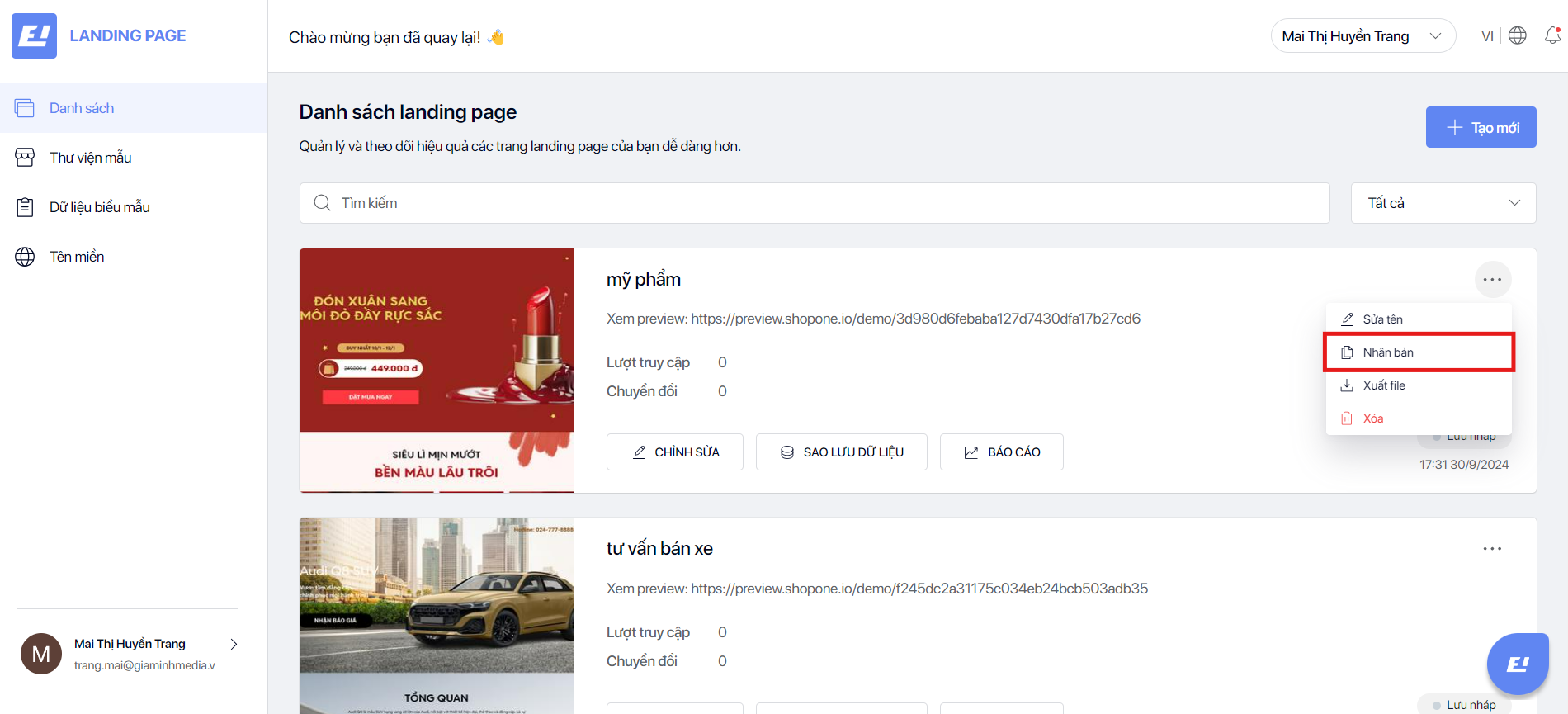
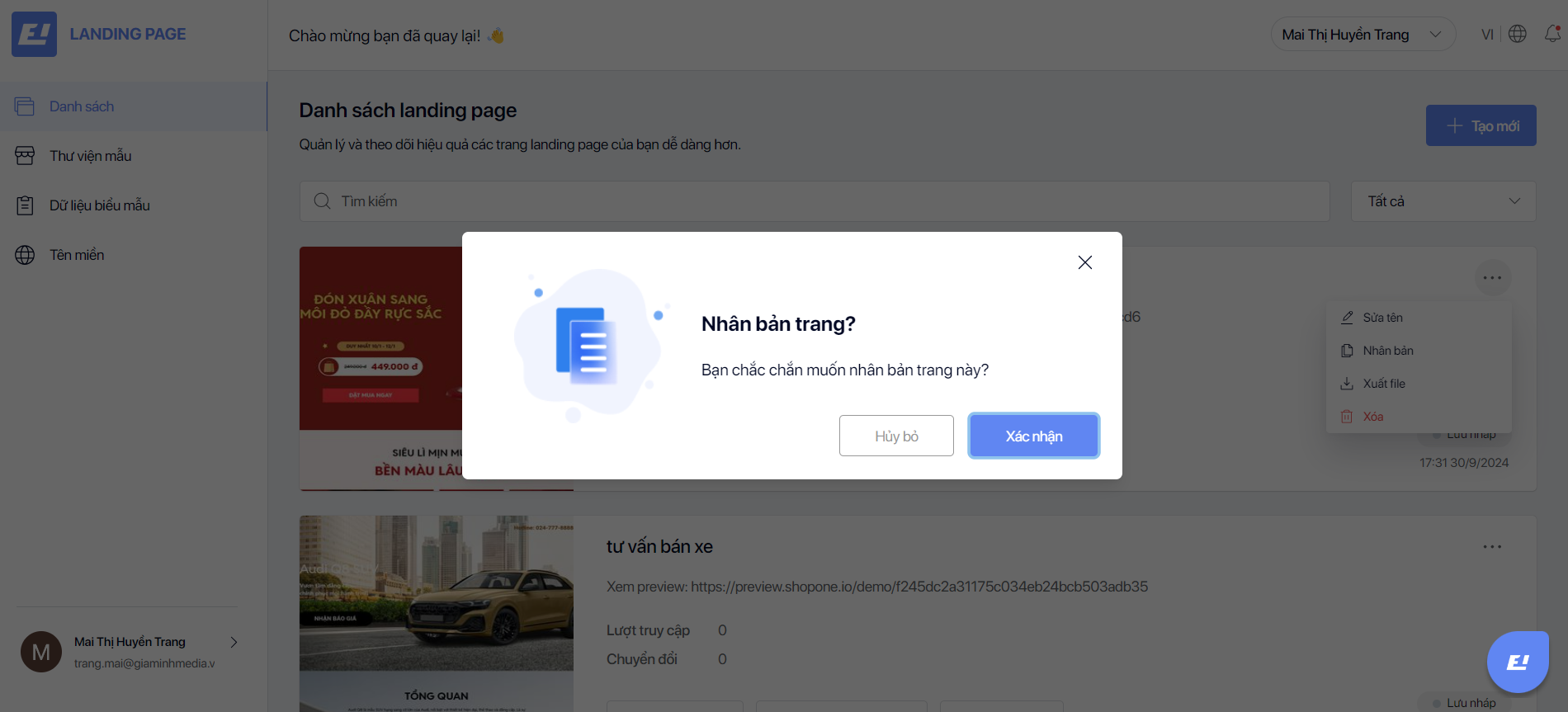
Nhấp vào biểu tượng xem thêm của landing page cần nhân bản, sau đó nhấp vào **Nhân bản** để nhân bản landing page.
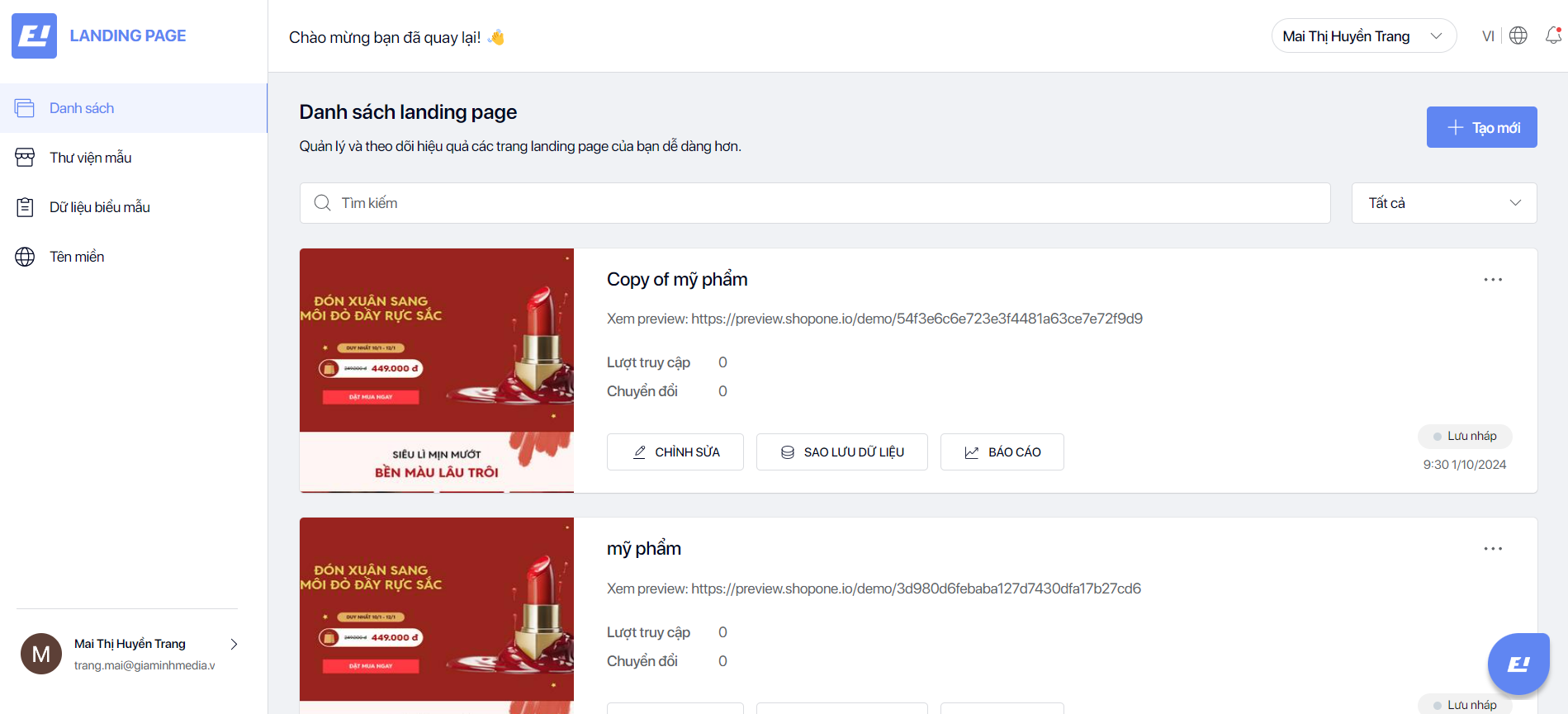
Sau khi nhân bản landing page, bạn có thể chỉnh sửa 1 landing page với giao diện y hệt landing page được nhân bản.