> For the complete documentation index, see [llms.txt](https://docs.shopone.io/llms.txt). Markdown versions of documentation pages are available by appending `.md` to page URLs; this page is available as [Markdown](https://docs.shopone.io/english/creating-a-landing-page-with-shopone/features-in-the-dashboard/settings.md).
# 3.4. Settings
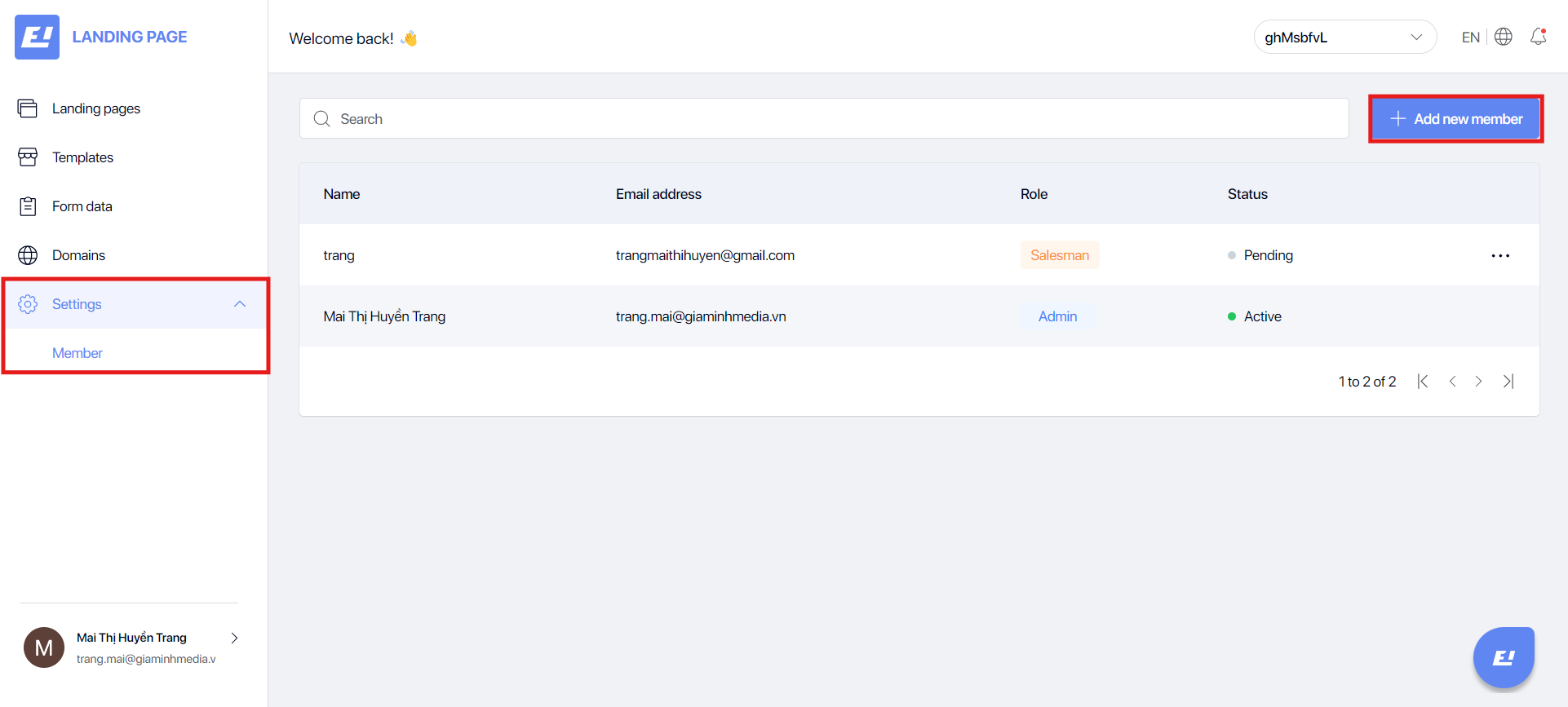
The **settings** section is only available in the team workspace interface, which includes a Members section to view and manage the list of members for each landing page.
* **Administrator**: Manages the entire system, including creating and deleting users, changing settings, managing content, viewing reports, and performing all other administrative tasks.
* **Manager**: Manages employees, approves content, views and edits landing pages, monitors performance, and generates reports.
* **Staff**: Creates and edits landing page content, manages customers, supports projects, but does not have approval rights or access to critical settings.
* **Sales Staff**: Accesses and manages customer information, creates quotes, tracks order and lead statuses, but does not have the right to edit landing page content.
**Add new member:** allows you to invite members to your team or project workspace.
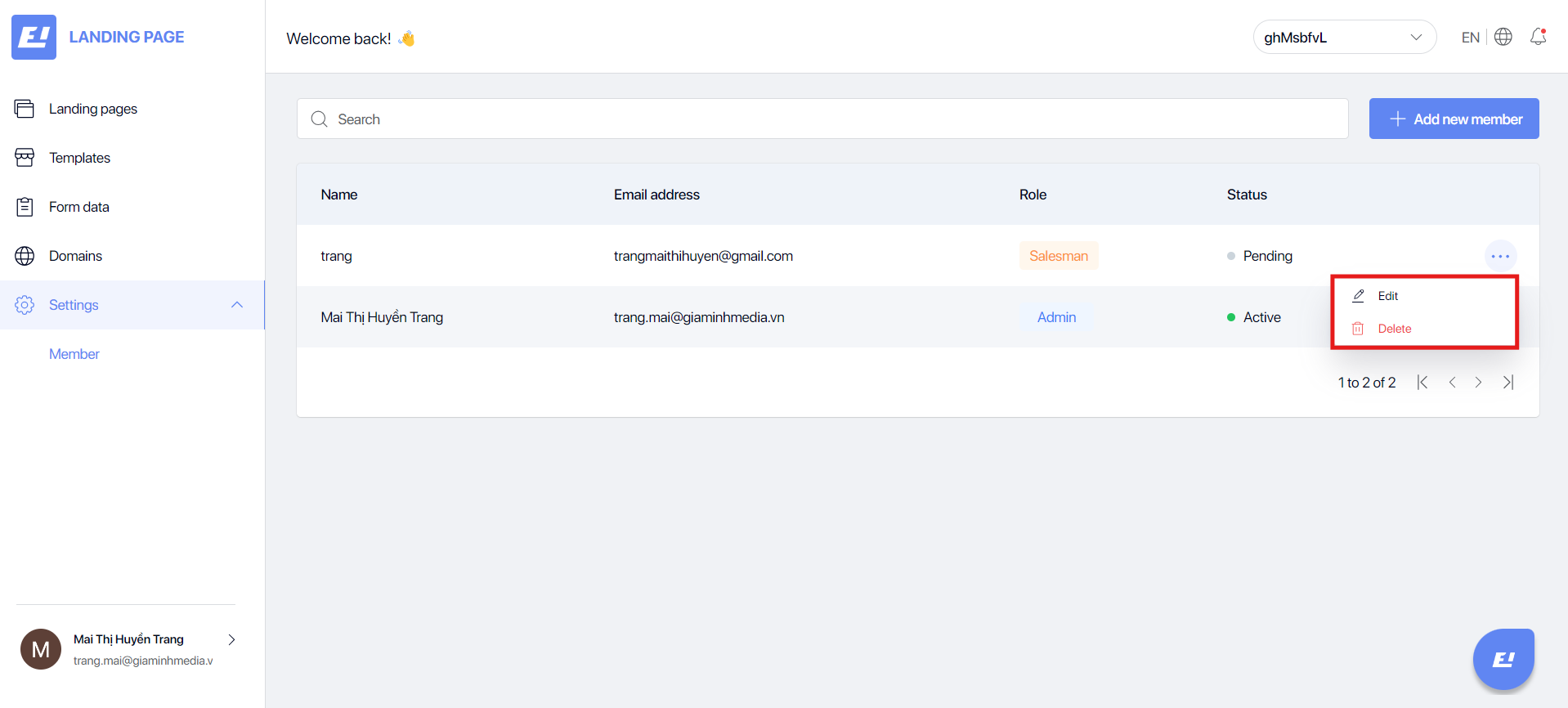
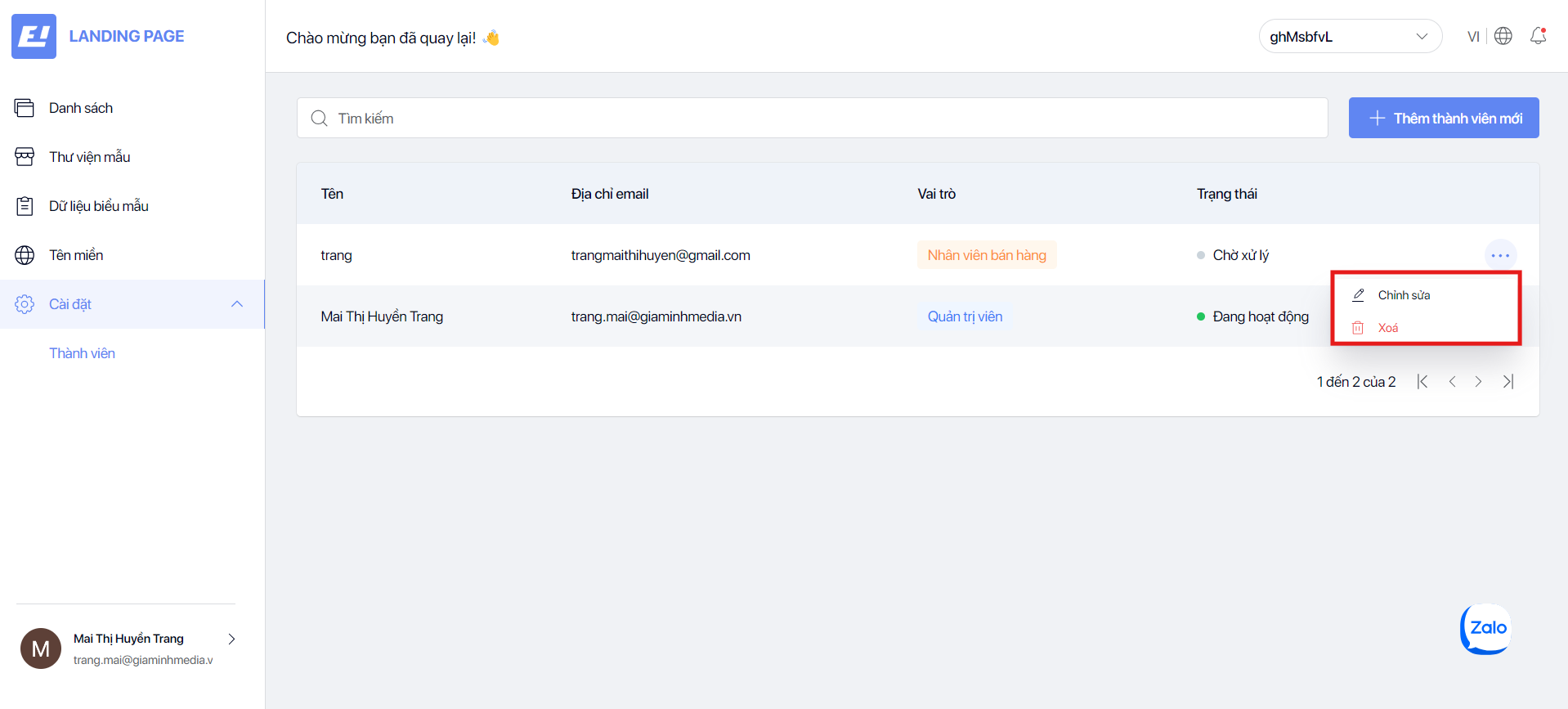
**Delete or edit member:** allows you to update member information or remove a member from the system.